Web UI
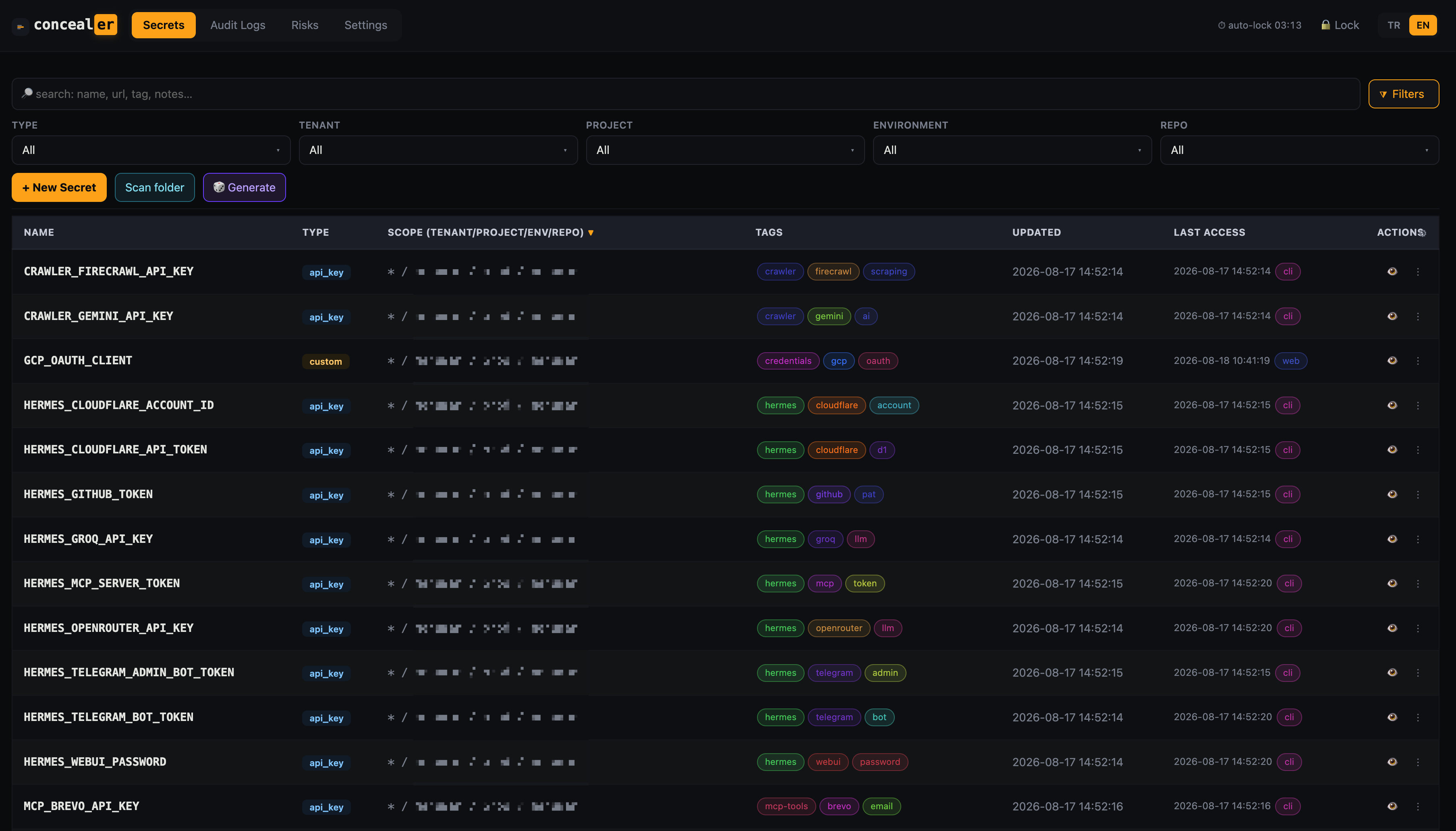
A professional single-page app served locally by concealer itself — full CRUD, filtering, per-secret deploy, and a tamper-evident audit viewer.
Launch
concealer web            # http://127.0.0.1:8787 (default port)
concealer web 8080       # custom port
Binds to 127.0.0.1 only — it is a single-user local convenience, not a hardened multi-user server. Unlock in the browser with the master password.
Features
- TR / EN interface toggle (top-right) — the whole UI is bilingual.
- Full CRUD with type-aware forms · responsive (phone/tablet) layout.
- Search + searchable, multi-select filters for type / tenant / project / environment / repo / tags.
- Sortable, reorderable columns — including any custom field (
web_url,host, …) as its own column. - Per-secret Deploy — render the exact CLI/manifest to push a secret to
export/docker/k8s/aws-secrets/aws-ssm/github/ … - Copy to clipboard with auto-clear (20s) · password show/hide toggle.
- Metadata: url, tags, notes.
- Auto-lock on idle (default 300s; set with
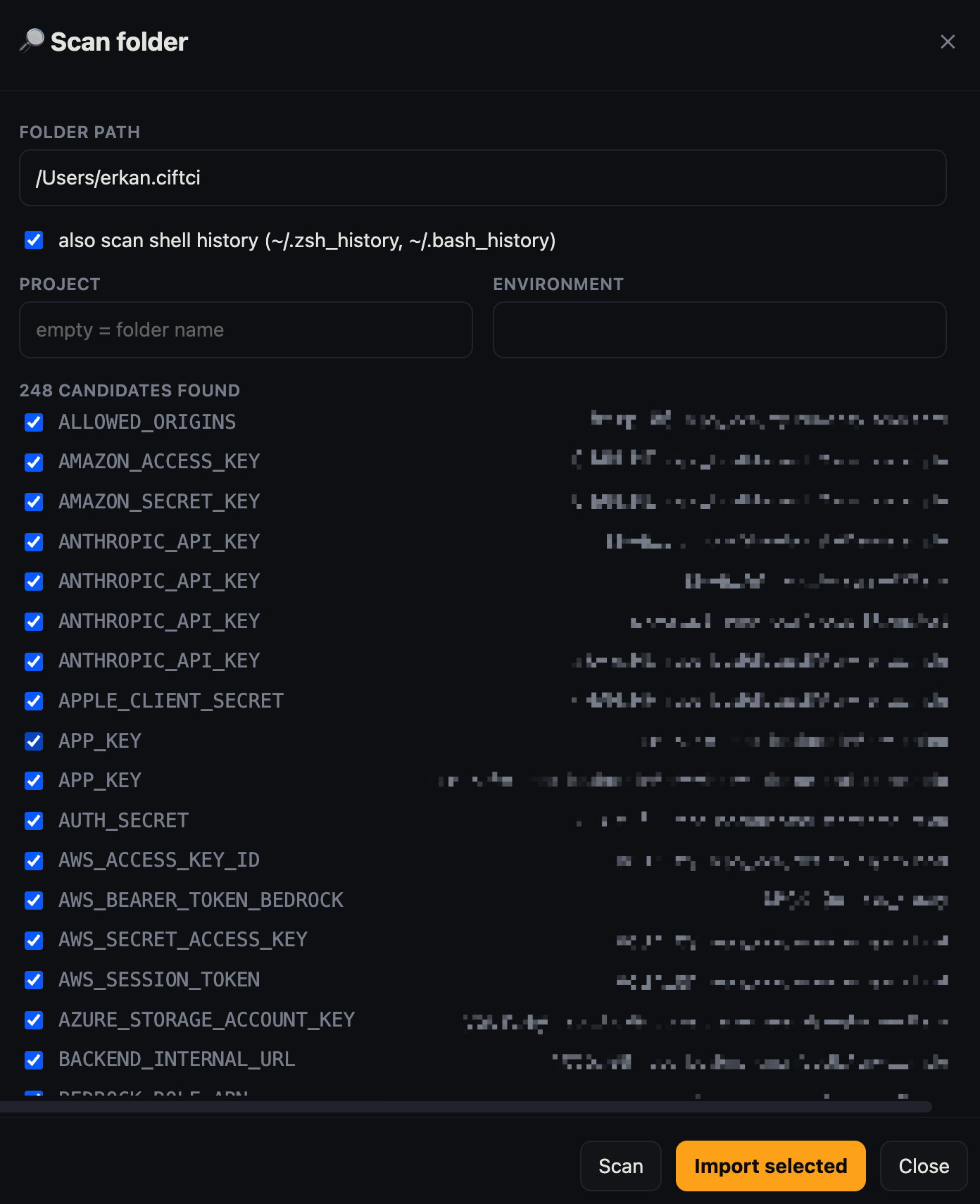
CONCEALER_IDLE=…or the Settings page). - Audit Log viewer — filter by action / source / key / date, pagination, row detail, chain verification, CSV/JSON export.
- Risks view — finds the same value reused across projects and scores the blast radius.
- Scan folder — sweep a directory (or shell history) for stray secrets and import them, tagged by origin, with a server-side folder browser and OS-native picker.
- Settings — idle timeout, which operations require confirmation, and per-agent MCP rate limits (see MCP).
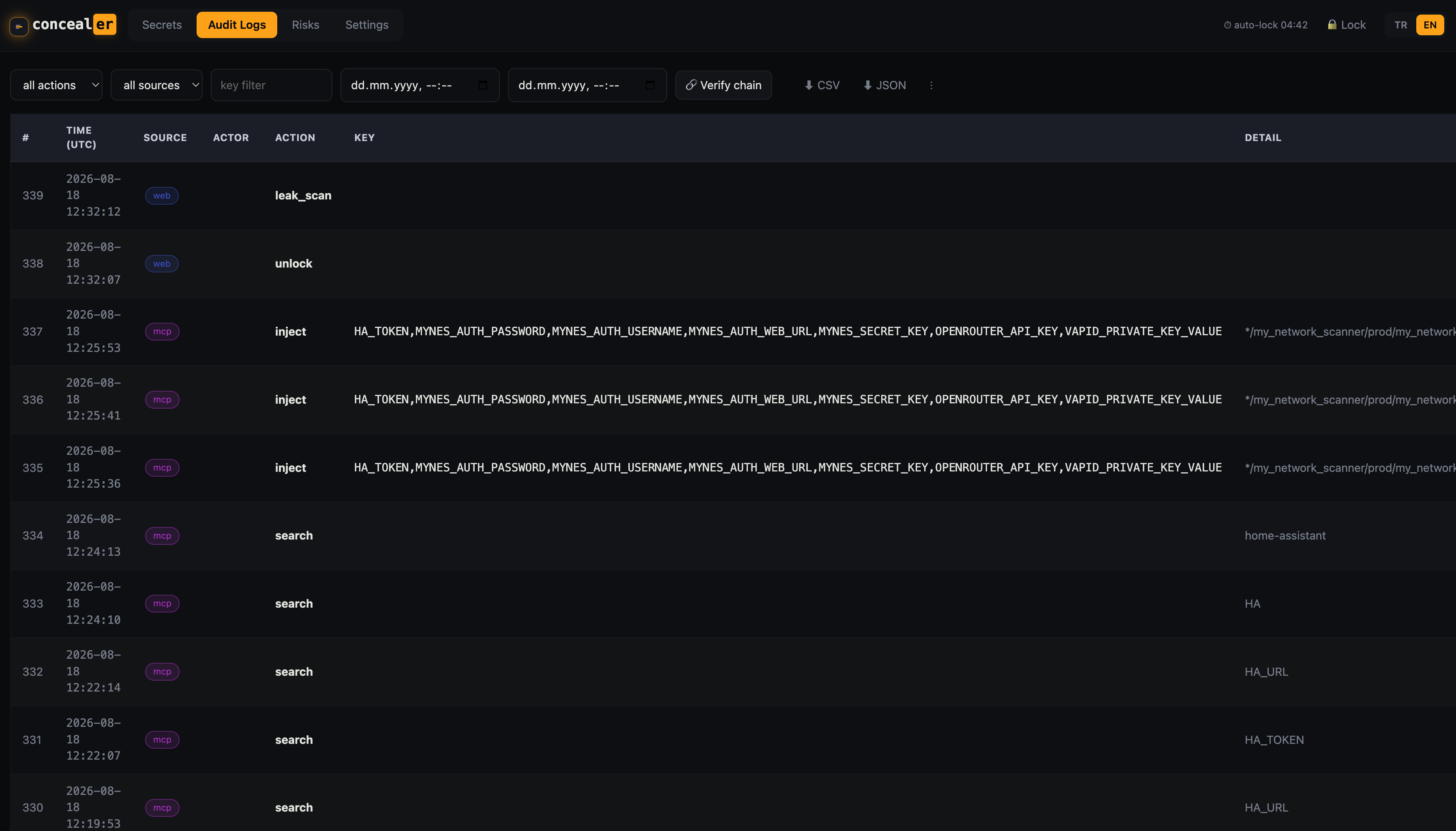
The Risks view finds the same value reused across projects and scores the blast radius:
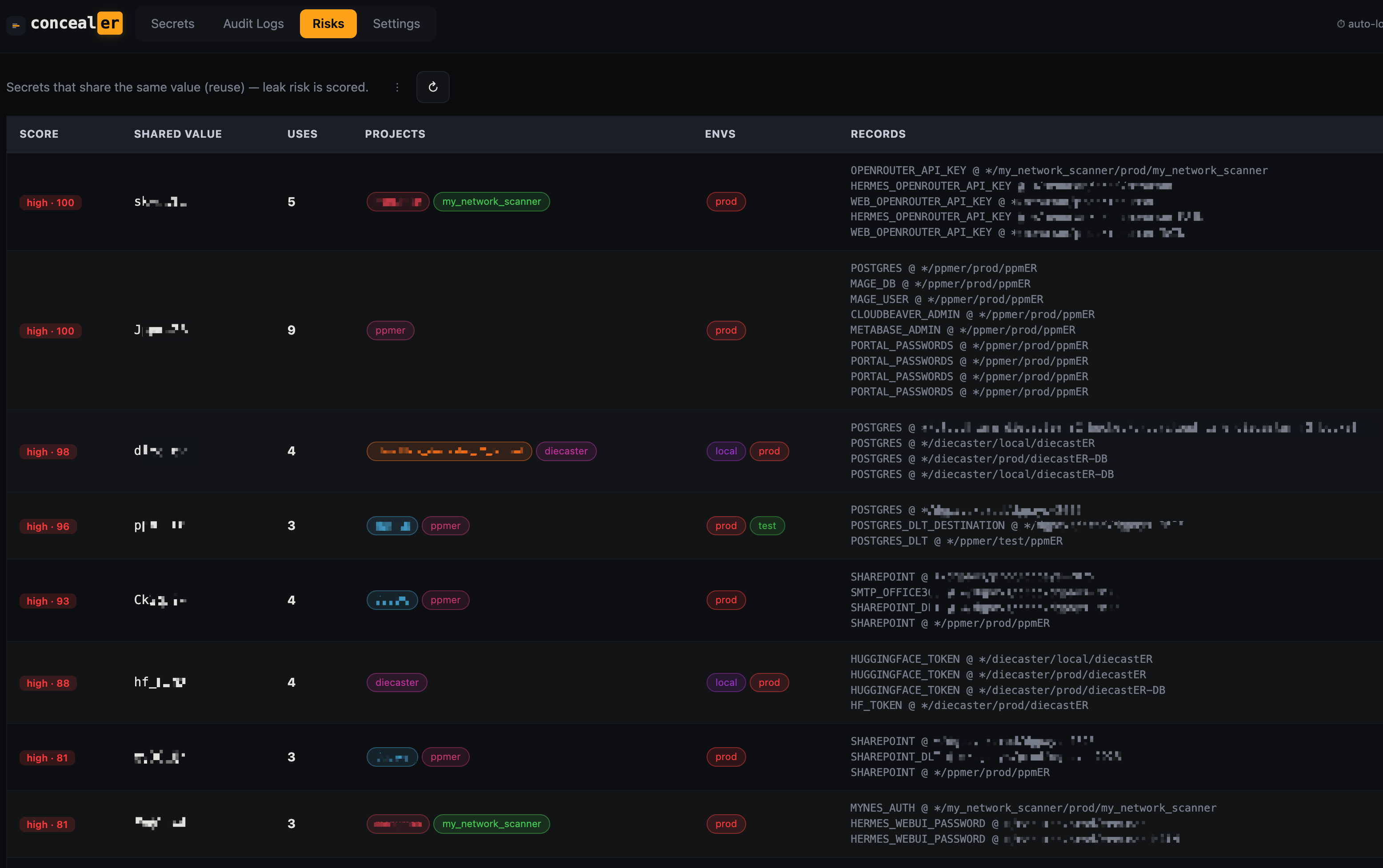
Scan folder sweeps a directory (or shell history) for stray secrets and imports them, tagged by origin:
Session & locking
- Unlock decrypts the age key into memory for that session only (
_SESS_KEY) — no age/tty prompt in the request path, no plaintext key on disk. - The session has a hard idle auto-lock: after
idleseconds of inactivity, the session and the in-memory key are cleared. Activity does not extend the TTL — it’s a fixed-lifetime lock. - Lock immediately from the UI, or it happens automatically on idle.
JSON API (overview)
The SPA talks to a small JSON API on the same port. Selected endpoints:
| Method & path | Purpose |
|---|---|
POST /api/unlock | unlock with {pw}; sets an HttpOnly session cookie |
POST /api/lock | clear the session and in-memory key |
GET /api/session | unlock state, idle timeout, remaining seconds |
GET /api/types | type → field schema map |
GET /api/secrets | list (masked) with scope/tag/type/query filters |
GET /api/secret/<id>?reveal=1 | fetch one record; reveal=1 reveals + audits |
POST /api/secrets | create a record |
GET /api/audit | paginated, filterable audit rows |
GET /api/audit/verify | chain + tail-anchor integrity check |
GET /api/audit/export?format=csv\|json | download the audit log |
GET/POST /api/settings | idle, confirm-ops, MCP limits, registered agents (POST needs master pw) |
GET /api/leaks | reused-value risk report |
GET /api/history | shell-history secret scan |
POST /api/scan | dry-run folder scan (returns masked candidates) |
GET /api/backup | auto-backup status (never returns the password) |
GET /api/browse · GET /api/pickdir | server-side folder browser / OS-native picker |
POST /api/copy | record a clipboard copy in the audit log |
All non-public endpoints require a valid unlocked session cookie or return 401 locked.
The web UI is the human owner’s interface — unlocked by the master password, so it is not subject to the per-agent anti-exfiltration rate limits that apply to MCP.